Skip to content
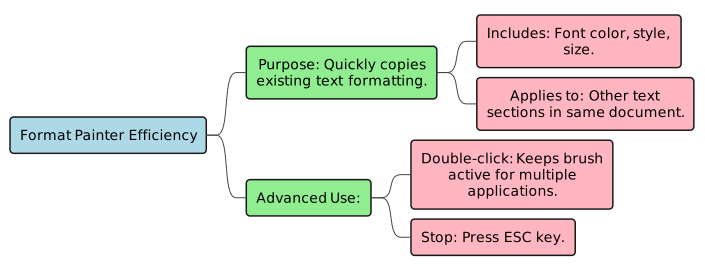
Explain how Format Painter helps in efficient document formatting, including its advanced use.Format Painter is a time-saving tool that quickly copies existing formatting like font color, style, and size from selected text. It allows users to apply this exact formatting to other text sections within the same document with ease. For efficiency, double-clicking the Format Painter command keeps the brush active, enabling application to multiple selections until the ESC key is pressed.
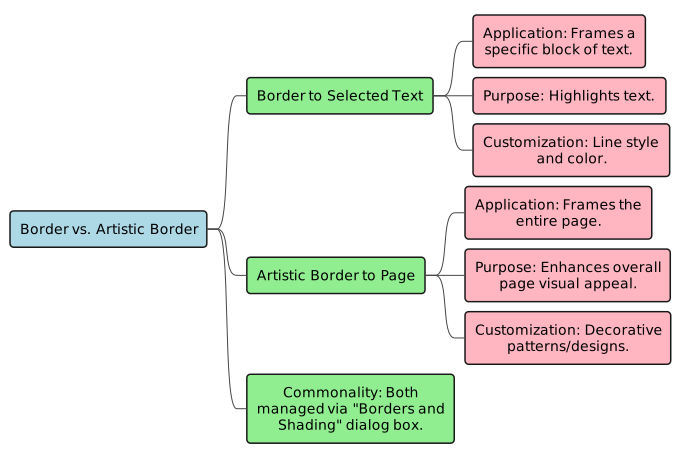
 Differentiate between applying a border to selected text and applying an artistic border to a page.Applying a border to selected text involves framing a specific block of text, like a sentence or paragraph, with a chosen line style and color to highlight it. In contrast, an artistic border is applied to the entire page, typically using decorative patterns or designs to enhance the page’s overall visual appeal. Both are found in the Borders and Shading dialog box but under different tabs (Borders for text, Page Border for artistic).
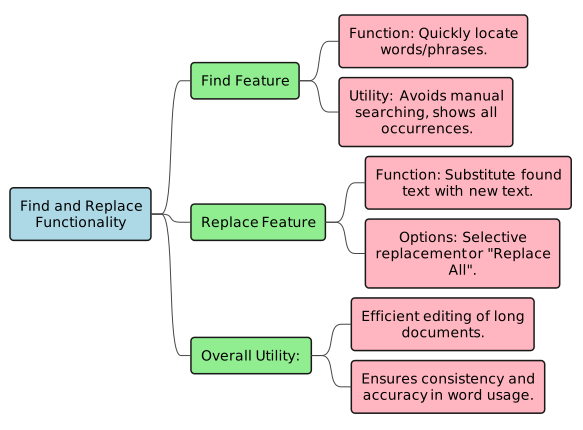
 Explain the functionality of the Find and Replace features in Word 2016 and their utility.The Find feature allows users to quickly locate specific words or phrases throughout a document without manual searching, displaying all occurrences in a navigation panel. The Replace feature extends this by enabling users to substitute found text with new text, either selectively or all at once. These tools are highly useful for editing long documents efficiently, ensuring consistency and accuracy in word usage.
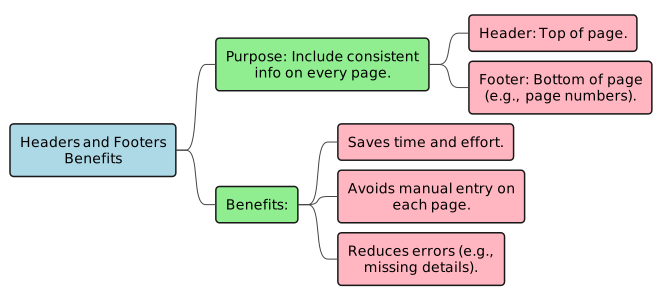
 Discuss the benefits of using Headers and Footers in a document.Headers and Footers are valuable for including consistent information at the top (header) and bottom (footer) of every page in a document. Their primary benefit is saving significant time and effort for the user, as the same text does not need to be manually entered on each page. Additionally, they help reduce the chances of errors, such as missing details like page numbers or document titles, across multiple pages.
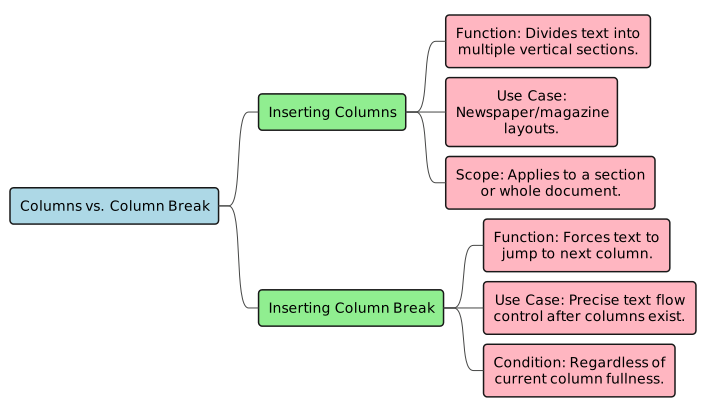
 Distinguish between inserting columns and inserting a column break in Word.Inserting columns divides a section of text or the entire document into multiple vertical sections, such as two or three columns, which is useful for newspaper-style layouts. On the other hand, inserting a column break is used after columns have been created. It forces the text at the cursor’s position to immediately jump to the beginning of the next column, regardless of whether the current column is full, allowing for precise text flow control.
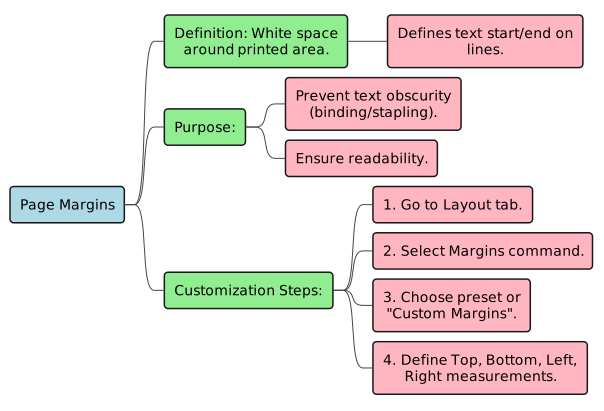
 Elaborate on the purpose of page margins and how to customize them in Word.Page margins are the essential white spaces surrounding the printed area of a document, defining where text begins and ends on each line. Their purpose is to prevent text from being obscured when the document is bound or stapled, ensuring readability. Users can customize margins by navigating to the Layout tab, selecting the Margins command, and then choosing a preset style or defining custom measurements for the top, bottom, left, and right sides in the Page Setup dialog box.
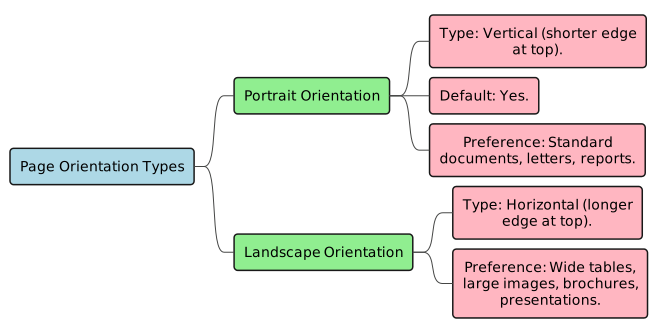
 Explain the two types of page orientation and when each might be preferred.Word offers two page orientations: Portrait and Landscape. Portrait orientation is vertical, with the shorter edge at the top, and is the default, commonly preferred for standard documents like letters and reports due to its readability. Landscape orientation is horizontal, with the longer edge at the top, and is preferred when creating documents with wide tables, large images, or content that benefits from a broader horizontal layout, such as brochures or presentations.
5th Grade - Demo
- Pages


Share
Explore
 Long Answers
Prepared by: learnloophq@gmail.com
Last edited 181 days ago by Learn LoopHQ.
Chapter: 03. Advance Features Of Word 2016
Want to print your doc?
This is not the way.
This is not the way.

Try clicking the ··· in the right corner or using a keyboard shortcut (
CtrlP
) instead.